


Upgrade to a slim and sleek design, and boost your productivity with Ultra performance from a long-lasting battery, side-by-side multi-windows and an Ultra camera.
True confidence takes shape with the new Galaxy Z Fold8 Ultra.
Engineered for Ultra power that lets you orchestrate multiple tasks at once without missing a beat.
-
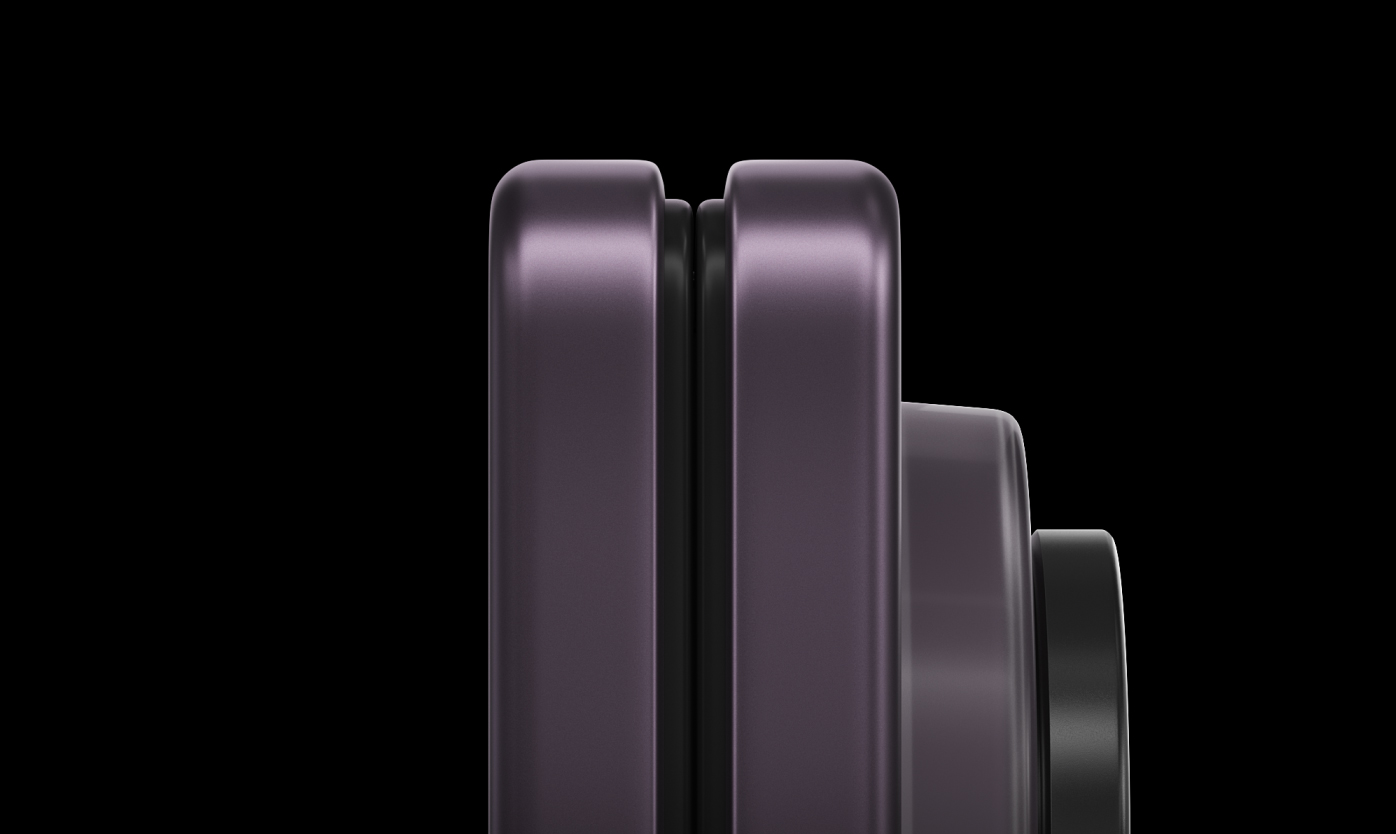
Impossible slimness. Made possible.
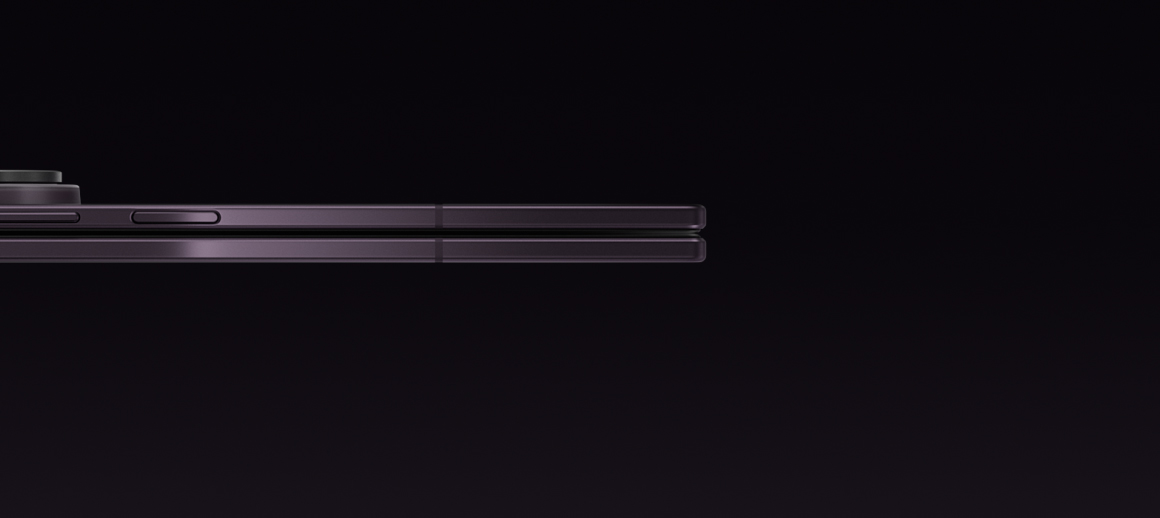
Folded Galaxy Z Fold8 Ultra is seen from the side. It tilts slightly and then opens to show the expansive main screen.
-
Now Nudge. Prompts for what's next.1
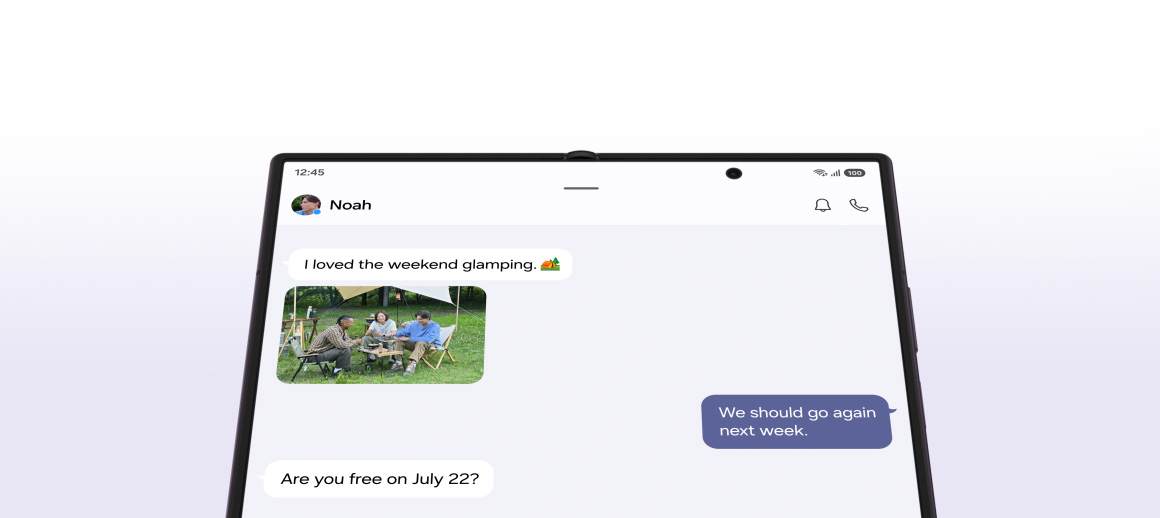
Main screen of Galaxy Z Fold8 Ultra is seen. A text conversation is seen discussing details for an upcoming plan. A friend has asked if the user is free on July 22. A Now Nudge prompt is seen above the device suggesting the user to View Calendar. When the split view icon in the nudge is pressed, the Calendar app opens alongside the messaging app in a multi-window view.
-
Ultra speed. Customized for Galaxy.2

Galaxy Z Fold8 Ultra's chip is seen on a chipboard with NPU, GPU, CPU. The chip then transforms to say AI. Then, the chip enters the back of a folded Galaxy Z Fold8 Ultra. Powered by Snapdragon 8 Elite Gen 5 for Galaxy.
-
A battery built for a big screen3
The inside of a Galaxy Z Fold8 Ultra device is seen with its battery on top. The capacity goes from 4400 milliampere to 5000.
-
Next-level cameras4
Parts of one of Galaxy Z Fold8 Ultra's rear camera lenses are seen collapsing into the device. It then rotates to show the cover screen. A video of a group of people enjoying dinner outdoors in the evening can be seen on the screen. Even in low light, ProVisual Engine helps keep the scene bright and details clear.

Samsung rated #1 in Durability
DESIGN
Flow from
view to view

An article is being viewed on the cover screen of a folded Galaxy Z Fold8 Ultra. The device unfolds to show a split view of the article and a text message conversation.
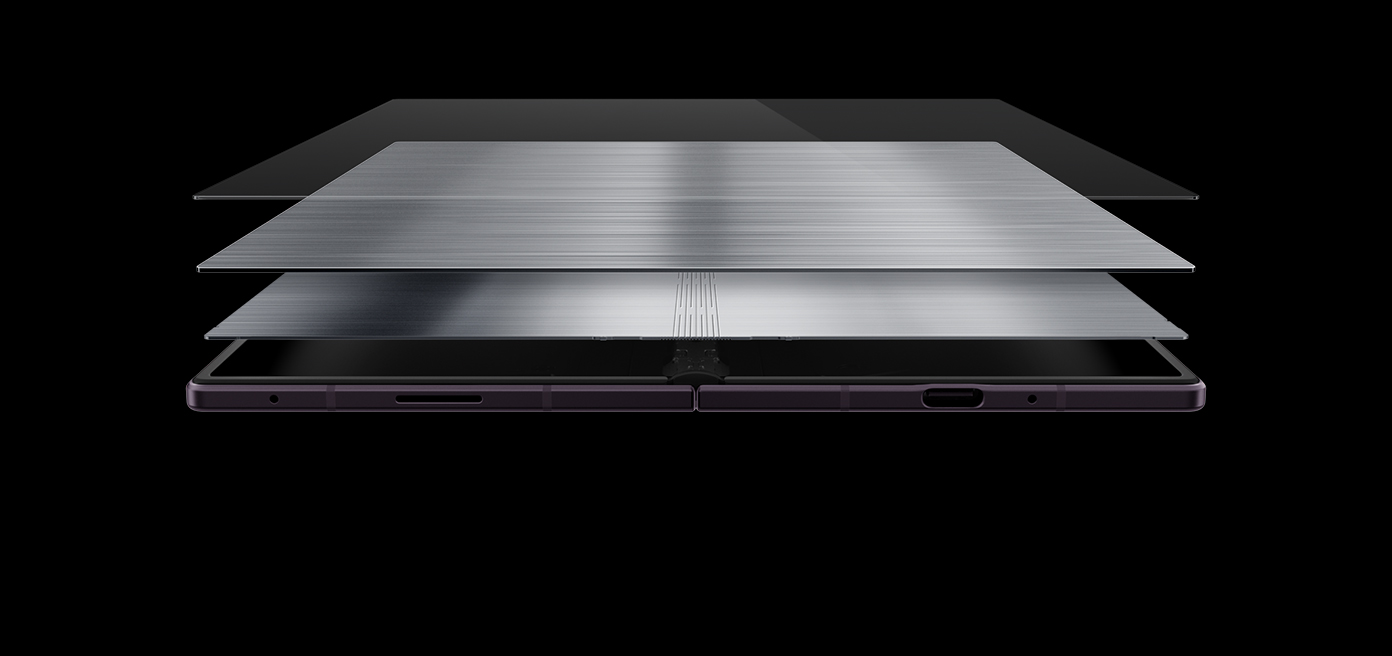
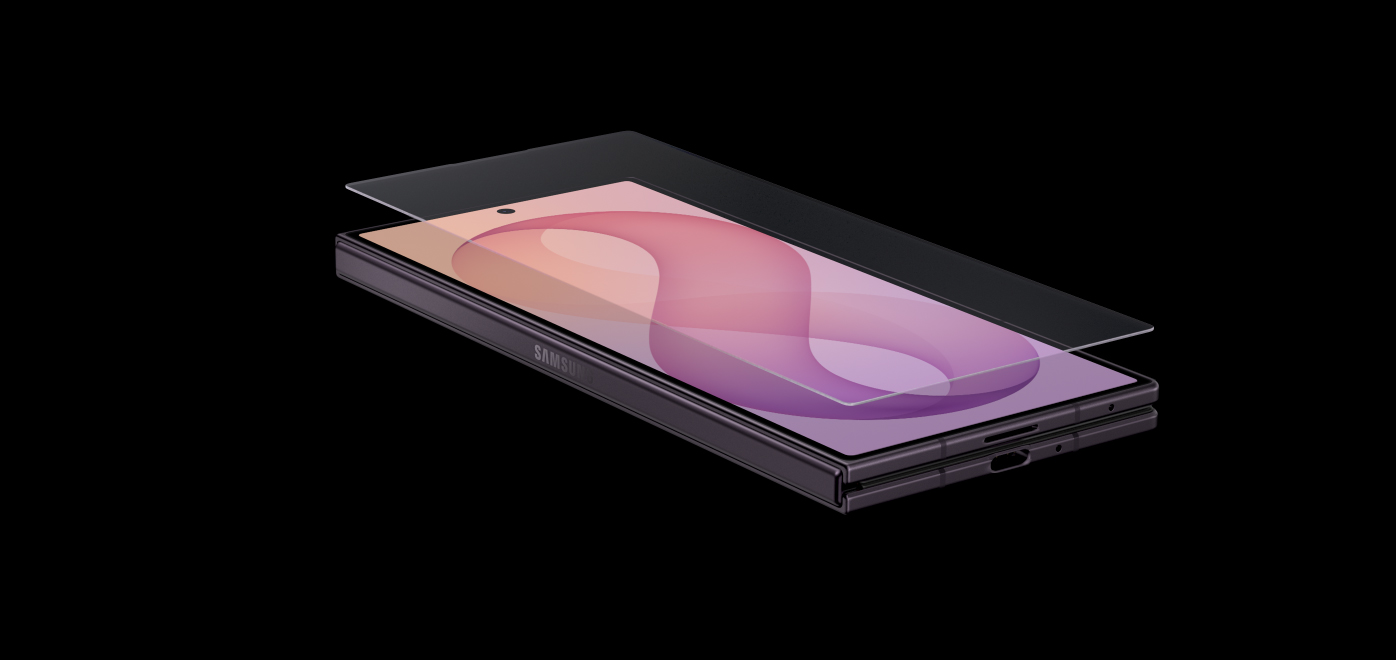
Obsessively crafted
PERFORMANCE
Ultra speed, customized for Galaxy
Galaxy Z Fold8 Ultra is powered by Snapdragon® 8 Elite Gen 5 for Galaxy — bringing together a next‑generation CPU, GPU and NPU to stay effortlessly fast. This custom-built platform drives elite performance, delivering ultra-smooth graphics and faster on-device AI for advanced problem solving.2,14

Galaxy Z Fold8 Ultra's chip is seen on a chipboard with NPU, GPU, CPU. The chip then transforms to say AI. Then, the chip enters the back of a folded Galaxy Z Fold8 Ultra. Powered by Snapdragon 8 Elite Gen 5 for Galaxy.
- NPU+21%faster AI performance
- GPU+15%improved graphics performance
- CPU+16%faster processing
all comparisons to Galaxy Z Fold7
The 5000 mAh battery on Galaxy Z Fold8 Ultra has been engineered into a slim frame that powers the expansive screen without compromising design.3 Enjoy up to 27 hours of video content before a quick refuel session with super-fast charging.6
Battery capacity
5000mAh4555555456789000000000000000mAh
-
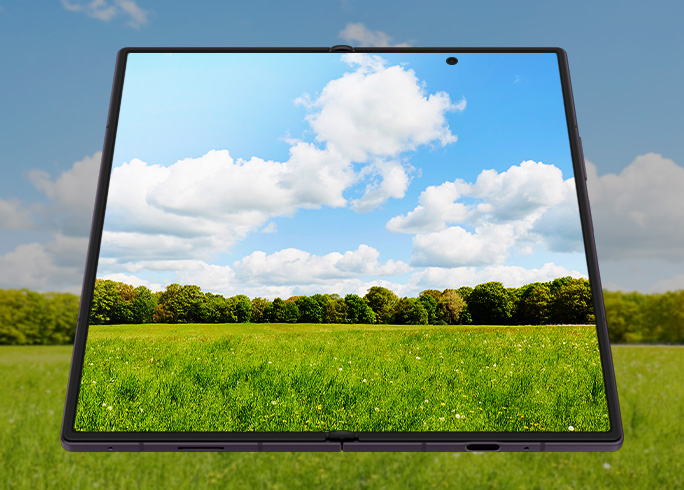
Galaxy Z Fold8 Ultra offers our brightest display, 15% brighter display than Galaxy Z Fold7 with a peak brightness of 3000 nits. Plus, anti-reflection on the main screen provides less glare so you can enjoy better clarity whether you're indoors or outdoors.6
Bigger, brighter, better
-
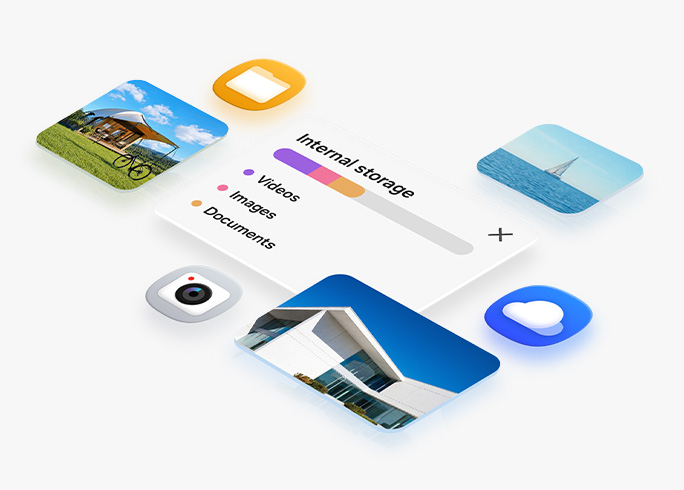
Galaxy Z Fold8 Ultra offers three storage options that are designed for everything you want close at hand, from photos and videos to favorite apps — choose from 256 GB, 512 GB and 1 TB.17
Up to 1 TB for what matters
Galaxy Z Fold8 Ultra
for business

CAMERA
Ultra-detailed Nightography
If your weekends are defined by late-night adventures, you need a camera system that respects the dark. Master every shot with camera sensors that capture exceptional detail, while ProVisual Engine elevates it further by reducing visual noise in real time.
Built into the advanced processor, ProVisual Engine analyzes sensor-specific noise patterns to handle extreme contrast, even in low light. That means you can capture the crisp, flickering details of campfires or the night sky.4
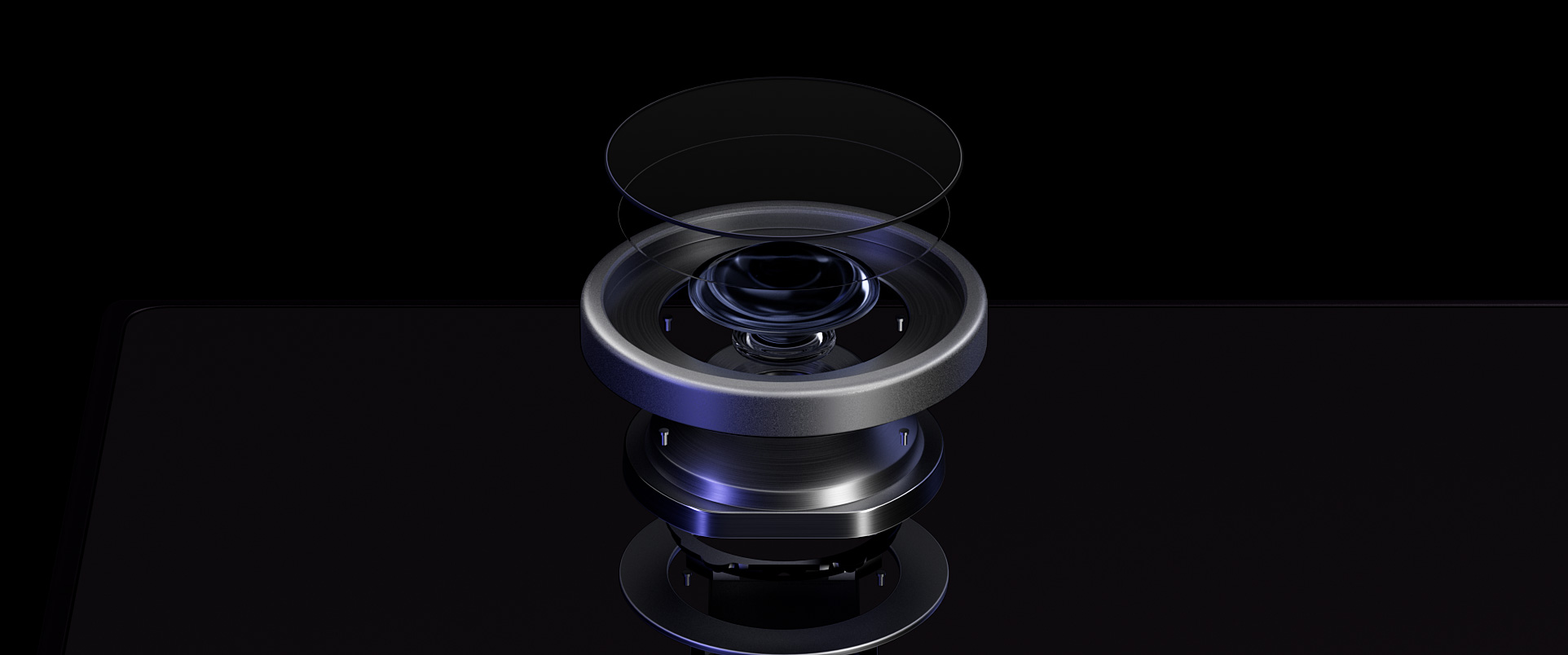
Parts of one of Galaxy Z Fold8 Ultra's rear camera lenses are seen collapsing into the device. It then rotates to show the cover screen. A video of a group of people enjoying dinner outdoors in the evening can be seen on the screen. Even in low light, ProVisual Engine helps keep the scene bright and details clear.
-
The 200 MP Wide camera and upgraded 50 MP Ultra Wide camera allow you to take even the most scenic shots in high-resolution detail. Plus, wider apertures on the Ultra Wide sensor provide 34% improved brightness compared with Galaxy Z Fold7.
Main screen and cover screen selfies also get an upgrade with the newly integrated AI image signal processor (ISP) for selfies that are true to your natural skin tone.6,19Any shot, all the detail
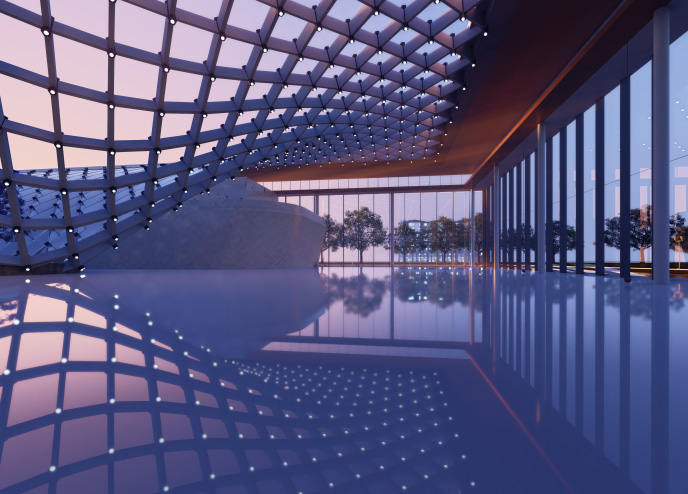
An artistic photo. A close-up shows clear and vivid details.
-
Capture breathtaking vistas with the 50 MP Ultra Wide camera on Galaxy Z Fold8 Ultra enables 8K Video Recording, allowing you to go from Wide to Ultra Wide with unparalleled visual clarity. Create cinematic masterpieces with shots that feel more immersive.
When filming, get consistently smooth, shake-free footage every time. Super Steady's Horizontal Lock automatically detects the horizon to keep your frame level.20,21Super sharp 8K clarity
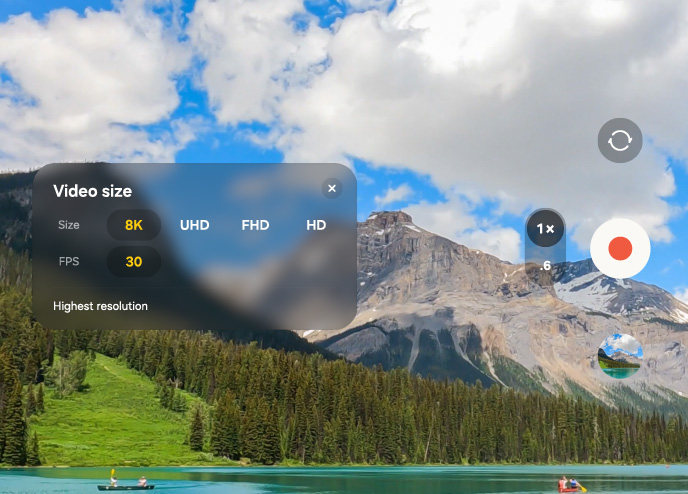
A scenic view is about to be shot at 30 FPS in 8K. The video zooms out to 0.6 times zoom and the record button is pressed.
Behind the Ultra shot
-
50 MPUltra Wide
-
200 MPWide2x Optical Quality Zoom22
-
10 MPTelephoto3x Optical Zoom
-
10 MPCover Screen
-
10 MPMain Screen

See the difference in camera experience
-
Galaxy Z Fold8 Ultra
-
50MP
Ultra Wide
-
200MP
Wide
-
-
Compare with
-
12MP
Ultra Wide
-
50MP
Wide
-
Galaxy AI




NOW NUDGE
Nudges what's next, so you can move fast
When planning a busy weekend with friends, you don't have the bandwidth to stress about next moves. Now Nudge keeps things moving with helpful prompts to take you to the next
action seamlessly.
Switch from the Cover Screen to a split view that gives you the space to do more in one place. View your Calendar, add schedules and save locations on maps, all without
single manual app switch.1

Main screen of Galaxy Z Fold8 Ultra is seen. A text conversation is seen discussing details for an upcoming plan. A friend has asked if the user is free on July 22. A Now Nudge prompt is seen above the device suggesting the user to View Calendar. When the split view icon in the nudge is pressed, the Calendar app opens alongside the messaging app in a multi-window view.
MY FANCAM
Film it all.
Frame perfectly later.
Get your favorite athletes all in the shot, then use Galaxy AI to put the spotlight on one person. On the massive main screen, change wide-angle shots into subject-centered tracking shots cropped to your choice of aspect ratio for easy, precise edits right from your Gallery.24
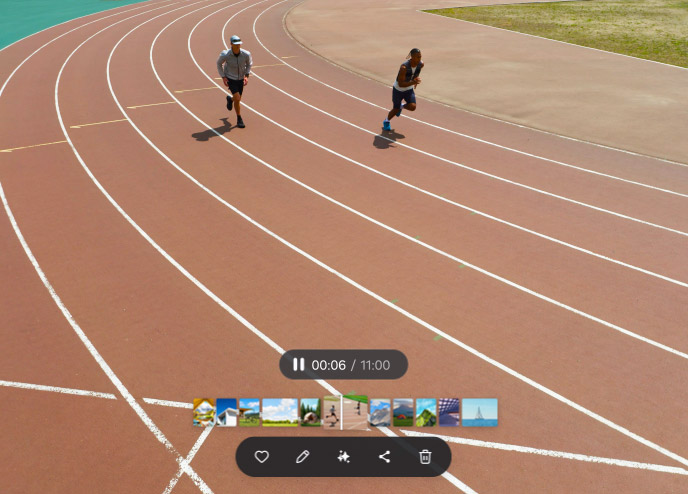
A video of people running on a track has been shot. When editing, the My FanCam button can be pressed after selecting the AI icon. Galaxy AI detects people in the video. The user then taps on someone to track them. A 9 by 16 ratio is selected from the cropping options and the Follow button is pressed. Galaxy AI creates a new video with the selected person as the main subject.
PHOTO ASSIST
Studio-level edits with Galaxy AI
Get effortless AI photo editing in just a few words. Describe the edits you want to make, and Galaxy AI will enhance the image for you. Watch it come to life in minutes, then easily compare the original and edited image side by side.25
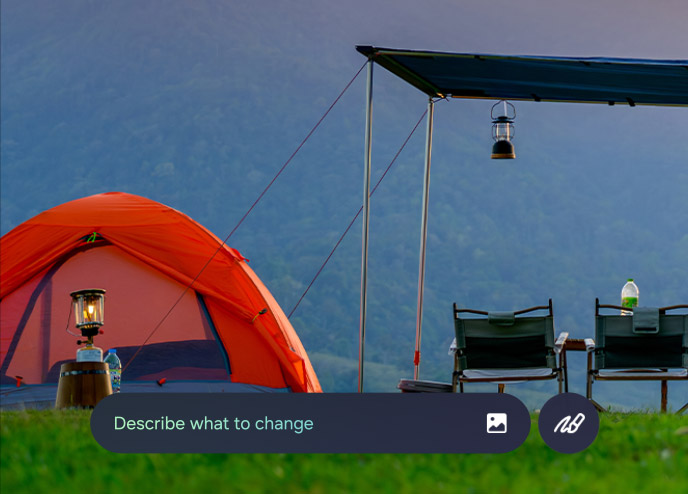
A photo is seen. The user describes what they want to change and the Generate button is pressed. Galaxy AI edits the photo. The show previous button is pressed. The original and the edited version can be viewed side by side on the main screen of Galaxy Z Fold8 Ultra.
ONE UI 9
One UI fits all
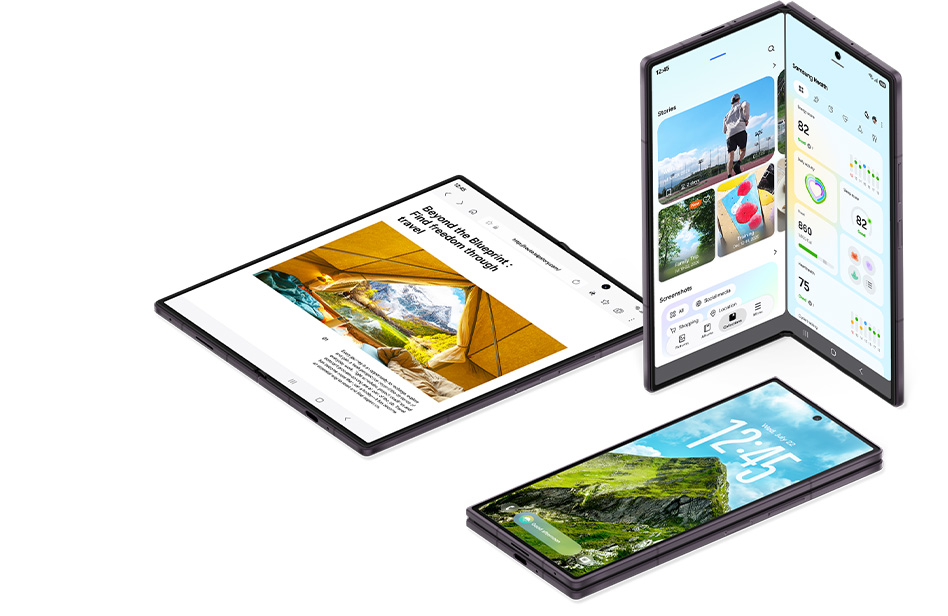
Optimized for Galaxy Z Fold8 Ultra, One UI 9 helps everything flow smoothly, with a customizable home screen and multi-window views. Run multiple apps side by side for seamless productivity on the expansive Main Screen. The two-way and three-way split view allows you to shift between windows with just a tap.26
WHY SWITCH TO GALAXY
Make the easy switch
Easily transfer your data and content, then enjoy what you love on one of our powerful Galaxy devices.


